

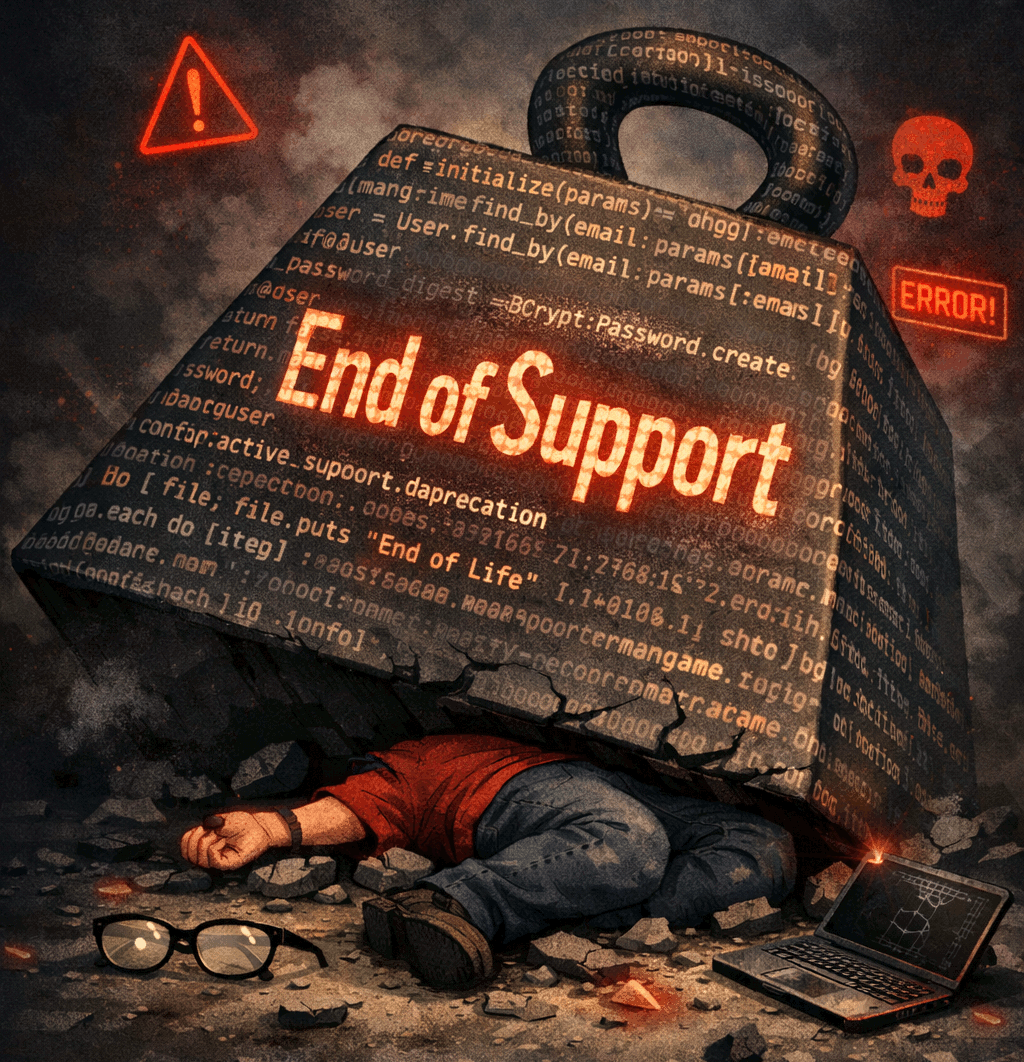
Your digital teams don’t struggle to understand what end of support or end of life mean in theory. What they do struggle with is the weight of knowing what such signals should mean in practice when they’re responsible for an entire portfolio of websites and applications.
A single outdated component on just one website might be manageable. But across dozens of them, it’s something else entirely. Planning, delivery, budgeting, and security are all affected, as are customer conversations.
The distinction between software end of life and end of support matters because definitions affect how your teams prioritize work, where risk is building across your digital portfolio, and how early you need to act.
Do you manage multiple websites at scale? We’re keen to talk to you. How do you plan for End of Life and End of Support?
End of support vs end of life
End of support (EOS) means software still “works”, but its vendor or maintainer is signaling that they’re no longer actively supporting it.
What this means practically is that websites become increasingly vulnerable to a security incident or become susceptible to degraded performance because there’s:
no bug fixes (may vary by vendor)
Sometimes or no security fixes (may vary by vendor)
no feature development
no technical or vendor support
Essentially, the software itself may continue to be available alongside its documentation, but users or “consumers” of it can have no confidence of it's ongoing compatibility.
End of life (EOL) on the other hand goes a step further. It’s a hard-stop, a signal that “this software should no longer be used”. The software itself or a specific version of it has been retired altogether. Continuing to run it becomes harder to justify over time.
Building on End of Support, what this means practically is
no bug fixes (at all)
no security fixes (at all)
no feature development (at all)
not available in some ecosystems, repositories, or marketplaces
For website teams, the practical difference is timing:
End of support is usually the point where risk starts to increase.
End of life is the point where that risk becomes much harder to accept.
These may sound like minor distinctions, but it does change how you should plan.
Why things become harder across multiple websites
If you manage one website, life-cycle issues can often be dealt with as they come up. If you’re responsible for ten, fifty, or hundreds, then that approach doesn’t hold up for long.
Different websites are often running different CMS versions, plugins, frameworks, hosting setups, runtimes, and third-party integrations. All of those have their own support timelines and upgrade paths. Each carry different levels of risk depending on what the site does and who’s relying on it.
That is where software end of life tracking starts to matter.
Without a clear view across the portfolio, teams end up asking the same questions over and over:
Which sites are approaching end of support?
Which clients need an upgrade conversation this quarter?
Which issues are genuinely urgent, and which can wait?
Where is the biggest concentration of risk?
What should the team focus on first?
When those answers are hard to see, maintenance is reactive. Work is driven by whatever breaks, whatever becomes critical, or whatever someone happens to notice first.
Why spreadsheets and manual tracking only get you so far
Most agencies start in a reasonable place. A spreadsheet, wiki or even a configuration management database (CMDB). Maybe a few reminders in a ticketing system, calendars or even a system developed in-house (maybe don’t do that). Whatever it is, teams are reliant on an occasional technical audit and a hope that insights are forthcoming.
This can work for a while. But once you’re managing multiple websites across different clients, teams, products, or business units, it gets harder to trust and harder to maintain as you scale.
The challenge is not just in the collection of end-of-life data, it’s also in turning that data into something usable.
A spreadsheet might tell you a framework version is old. It usually does not tell you:
which live websites or applications are affected
how close each component is to end of support
where the highest business or security risk sits
how work should be sequenced across the portfolio
what needs to be raised with clients or stakeholders now
A life-cycle date on its own is just reference information. The value comes from understanding what that date means in the context of the websites you actually manage.
Resources like our Is It End of Life tool are useful for checking support status across common technologies. But checking a date is only part of the problem. You still need to know how that date affects your portfolio.
So, when should you update software?
Best practice, before support ends (End of Support), not after.
That sounds obvious, but in reality the right timing depends on more than the life-cycle date itself.
Support timelines
If a CMS, framework, or runtime has a published support end date, that should shape your overall planning horizon. A source like isitendoflife.com can help confirm whether a version is still supported, but it does not help create the plan for you, and gathering this information is time consuming over a wide digital portfolio.
Business criticality
Not every website matters equally. A low-risk campaign site and a core business platform may not be treated the same way. The more important the site, the less risk tolerance there should be for unsupported components.
Upgrade complexity
Some updates are minor. Others need code changes, regression testing, infrastructure changes, or stakeholder coordination. The harder the upgrade path, the earlier it needs to show up in planning as these activities will often take weeks or months of your team’s capability.
Portfolio scale
If several websites are heading toward support deadlines at the same time, the issue stops being purely technical. It becomes a delivery and capacity problem as well.
Your clients may see this too if you are too busy on what you feel is higher priority, so reputational risk comes into play.
Security and compliance expectations
For some teams, unsupported software is not just untidy maintenance. It can create security, audit, governance, or client assurance issues.
A useful rule of thumb is not to wait until software is obviously obsolete. The better time to plan is while support is still active and the window to act is still manageable.
We know a thing or two about agencies and managing software EOL dates.
In this guide, we offer some practical steps and boilerplate copy for use in your own customer conversations.
What teams should actually be tracking
A life-cycle date is only the starting point.
For teams that are already reasonably mature, the more useful question is not just whether a component is supported. It is whether they can see the operational implications clearly across the websites they manage.
This means tracking:
the technologies each website is running
the components are approaching end of support
which components are already end of life
how critical each affected website is
how difficult the upgrade path is likely to be
how soon action needs to happen
how many sites are exposed to the same issue
A team might fully understand end of support vs end of life as concepts and still be carrying more risk than they realize because they cannot see where those conditions exist across the portfolio.
Managing multiple websites without losing sight of maintenance risk
When people ask how to manage multiple websites more effectively, life-cycle visibility is a big part of the answer.
Managing multiple websites is not just about content governance, uptime, or design consistency. It is also about knowing where maintenance risk is building, and being able to respond before that risk turns into disruption.
A more sustainable approach usually looks something like this:
Keep a current inventory
Know what each website is running across CMS versions, plugins, frameworks, runtimes, hosting dependencies, and major integrations.
Map life-cycle status
Track which components are supported, which are nearing end of support, and which are already end of life.
Prioritize by impact
Not every issue needs immediate action. Prioritize based on business criticality, security exposure, effort to remediate, and how broadly the issue appears across the portfolio.
Plan ahead
Use life-cycle visibility to shape quarterly or half-yearly maintenance planning, rather than waiting for urgent issues to force the work onto the roadmap.
Communicate clearly
Make it easier to explain what is coming, what matters now, and where clients or stakeholders should expect investment.
This is where a portfolio-level view becomes far more useful than isolated checks.
It is one thing to know a version is unsupported. It is another to know which websites are affected, how urgent the issue really is, and how that work fits into the rest of your maintenance programme.
Turning life-cycle data into actual planning
Knowing that a version is approaching end of support is useful.
Knowing which ten websites are affected, which three carry the most risk, and which two can reasonably wait until next quarter is much more useful.
That is the difference between reference data and operational visibility.
For teams managing multiple websites, life-cycle information becomes much more valuable when it helps answer questions like:
What needs action now?
What can wait?
Where are we carrying the most risk?
Which upgrade conversations need to happen this month?
How do we stop maintenance becoming reactive?
Rather than being just another reference source for life-cycle dates, Metaport is designed to help delivery and portfolio managers see maintenance risk across the websites they manage, identify where attention is needed first, and plan work more confidently.
Metaport achieves this providing tools such as the App Planner, Policy-based notification and the Application Health Report for each application.
We will continue to build new features that focus on these questions, and we’ll continue to not fall into the “AppSec tool” trap. All the while we invest in meaningful integrations to compliment tools you are already using at a technical layer such as Dependabot, JIRA, DependencyTrack, Redmine, GitHub and GitLab.
For agencies and digital teams that have outgrown spreadsheets and one-off audits, Metaport points to a more practical way of turning life-cycle and dependency information into portfolio-wide planning, risk awareness and prioritization.
Final thoughts
The difference between end of support and end of life does matter.
But for teams managing multiple websites, the bigger issue is not definition. It is visibility.
End of support is usually the point where risk starts rising.
End of life is where deferral becomes much harder to defend.
The challenge is being able to see those signals clearly across the portfolio before they turn into urgent problems.
That is why software end of life tracking matters in practice. Better visibility leads to better planning, better prioritization, and better conversations with clients and stakeholders.
If your delivery leads are already checking support dates by interrupting your developers, spending hours manually curating spreadsheets, the next step is being able to see what those dates actually mean across the websites you manage.
That is exactly the kind of visibility Metaport is built to provide.
Do you work in a digital agency? We’d love to know how you’re thinking about your own internal systems.
If you want to level-up your own agency’s website and application monitoring, alerting, and planning, then be among the first to know when Metaport SaaS arrives.
But don’t take our word for it, have a look at it yourself and let us know what you think.